
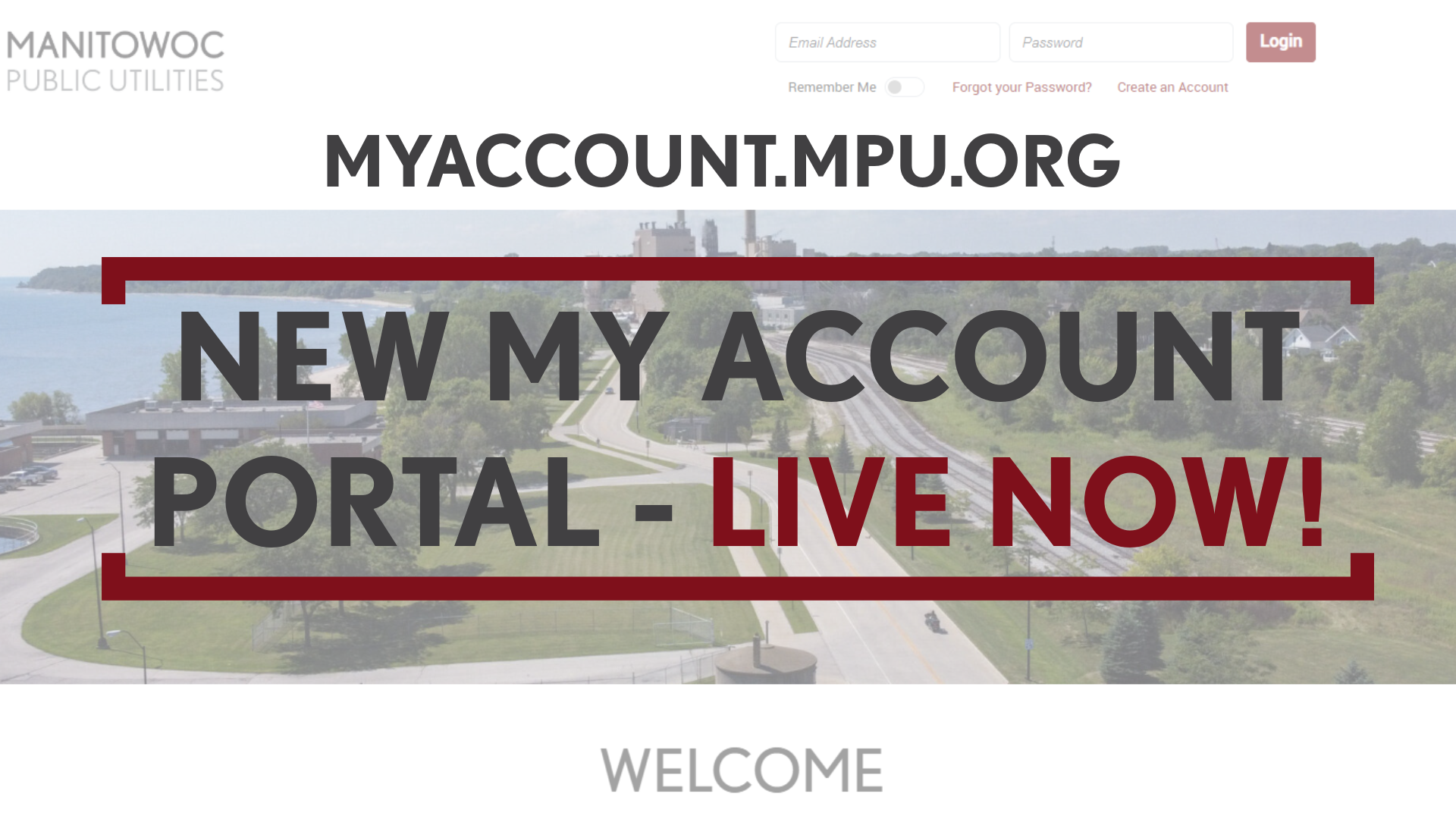
MPU’s new My Account portal is now live! Myaccount.mpu.org is a user-friendly, all-encompassing portal that allows you to make payments, set communication preferences, view billing history, analyze metered usage data, and more. This portal combines both our previous payment portal and previous MyMeter usage portal into one.
Depending on what logins you have will determine how you login to the new site:
- If you have a payment portal login, your login email address has been transferred over to the new site, but you must go through the Forgot Password process utilizing that same email address to set a new password before being able to login. Please note: You must enter your customer and account number in this format: 000000-000000. You must include the dash and DO NOT include a space. Enter exactly as it appears on your statement to ensure you will receive the forgot password email.
- If you have a payment portal login AND a MyMeter login, your payment portal login email address has been transferred over. Your previous MyMeter login will not give you access to the new site. You must go through the Forgot Password process utilizing the same payment portal email address to set a new password before being able to login. See the above bullet for Forgot Password details.
- If you only have a MyMeter login, the same login information will work.
To access the portal, visit myaccount.mpu.org.
What transferred over to the new portal?
- Autopay information – if you were on autopay previously, your schedule has been transferred and does not need to be setup again.
- Saved payment methods – if you saved your payment method when making a one-time payment, that information has been transferred.
What didn’t transfer?
- Paperless notices – if you were on paperless billing in the old system, you are on paperless billing in the new system, but you MUST sign-up to receive the New Bill alert to be notified when you have a new bill available. This can be found through the “Alerts” at the top of the portal. After you signup if you’re not seeing the emails on a monthly basis, please check your spam filter.
If you have questions as you navigate through the portal, please call our customer service at 920-683-4600. For a high-level overview of what the portal has to offer, click here.